The Minecraft server AI that actually runs your server.
Conny is an AI agent for Minecraft servers. It reads your configs, edits the files, runs the commands, and checks the logs to see whether it worked — then tells you what it did, in plain English. Paper, Spigot, modded or a whole network behind a proxy.
Every network, in its own corner.
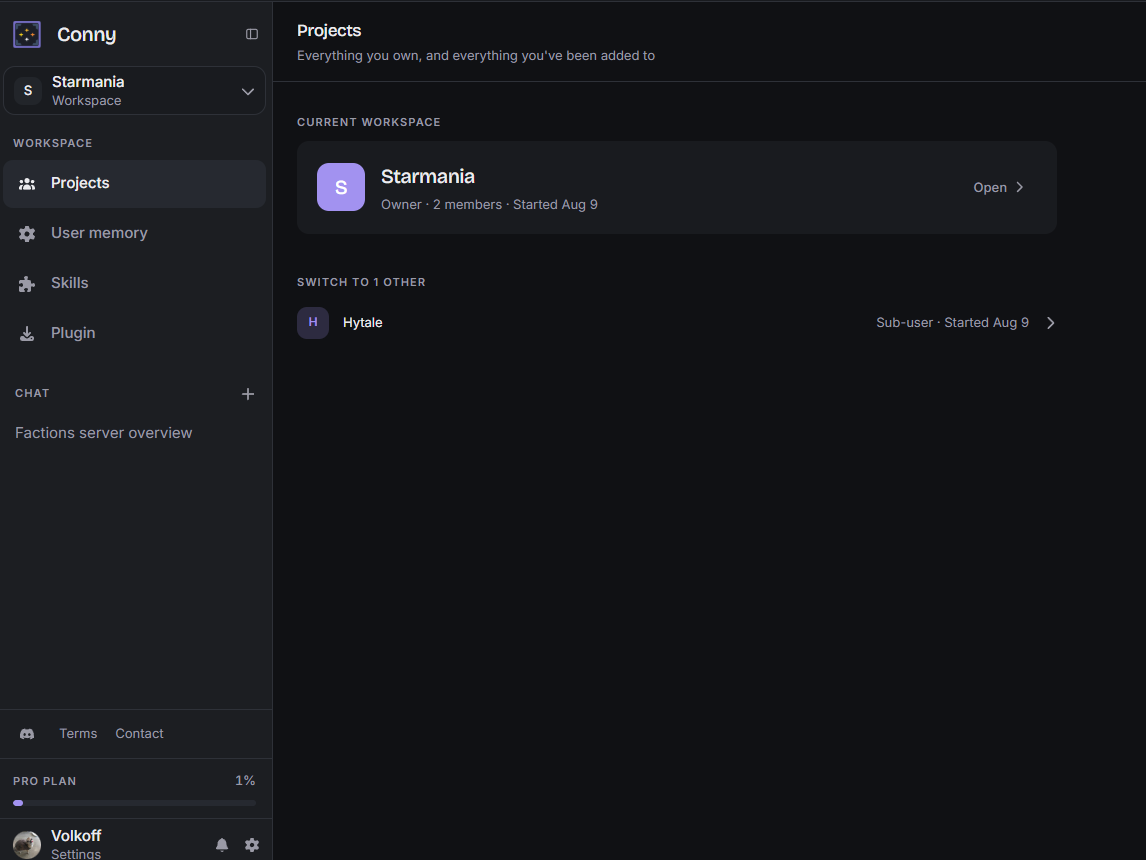
A workspace holds the servers that belong together — your survival network, a test box, the modpack you keep threatening to finish. Conny keeps their context separate, so advice about one never leaks into another.
-
Group servers into projects

Hub, proxy, and every backend in one project. Fix the proxy and I already know what is sitting behind it.
-
Invite your staff

Your mods get their own logins. They can put me to work without ever seeing your SFTP password.
-
Per-project memory

Tell me once that survival runs Paper 1.20 with a cursed permissions setup. I will still know next month.

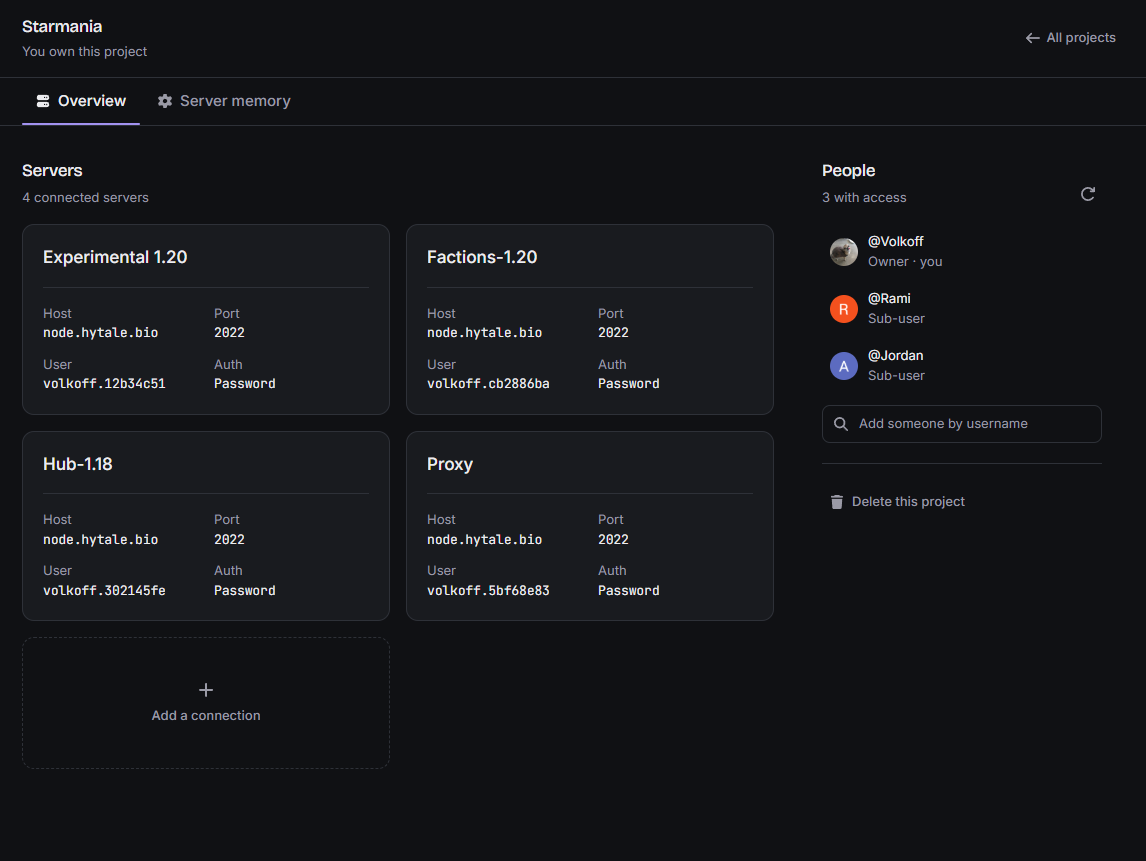
Connections, people, and memory on one screen.
Open a project and you get the whole picture: every server Conny can reach, who else has access, and what it has learned about the setup. Add a connection once and Conny can work on that box from any chat.
-
SFTP and console connections

Host, port, login — once. After that I let myself in and get on with it.
-
Shared access

Add someone by username and they are in. Remove them and they are out the same second.
-
Server memory

Without notes I would be the one asking which fork you are on every single time. With them, I just remember.

Not a chatbot that guesses. An agent that checks.
Conny works on the real files on your real server, then shows you what changed. Nothing happens that you can't read back.

Writes your configs
server.properties, spigot.yml, plugin
configs — edited in place, with the reasoning attached.
Runs the commands
Restarts, plugin installs, permission fixes — executed on the box, with the output read back to you.
Reads the logs
Hands it a stack trace and it finds the plugin at fault, instead of telling you to "check your configs". Reading crash logs
Minecraft server AI, answered.
What Conny does, what it connects to, and what it will not do behind your back.
What is a Minecraft server AI?
A Minecraft server AI is an agent that does the administration work itself instead of describing it. Conny connects to your server, opens the real configuration files, makes the edit, runs the command, and then reads the log back to confirm the change took effect.
Can AI set up a Minecraft server for me?
Yes. Point Conny at a server you already have and describe what you want it to be — a survival world, a modded box, a network behind a proxy. It writes the configuration, installs and configures the plugins, restarts the server, and tells you in plain English what it changed.
Can AI fix Minecraft server lag?
Conny reads the timings and the server log rather than guessing. It traces lag to the plugin, chunk load or configuration value causing it, applies the fix, and checks the log again afterwards, so you get the cause and the correction instead of generic advice to lower view distance.
Which Minecraft server software does Conny work with?
Conny works on the files, so it is not tied to one server jar. Paper, Spigot, Bukkit, proxy setups and modded packs are all just directories of configuration it can read and edit. If you can reach the server over SFTP, Conny can work on it.
How does Conny connect to my Minecraft server?
Over SFTP, with a username and password or an SSH key you add once per server. Credentials are stored encrypted and never shown to the people you invite, so your moderators can put Conny to work on a box without ever holding its login details.
Is it safe to let an AI edit my server files?
Every change Conny makes is one you can read back. It shows the file it touched, the edit it made and the reasoning behind it, and it reports the command output rather than claiming success. Nothing happens on your server that is not written down.
Do I need to know how to code to use Conny?
No. You describe the problem the way you would to a friend who runs servers — "spawn is lagging", "ranks stopped working after the update" — and Conny does the reading, the editing and the checking. It explains what it did in language you can verify without a YAML tutorial.
What does Conny cost?
Plans and current prices are listed on the pricing page. Usage is metered per plan, so what you pay follows how much work you actually hand to the agent rather than how many servers you have connected.
Tell it what's broken.
Bring a server and a problem. Conny will do the reading, make the change, and explain it in language you can actually check.